FREE BROWSER GAME GUIDE

Gacha / crystal summoning

Aurora Crystal PRISM CARBON

Build pressure, slash crystals, and meet the aurora.

No installation or sign-up required. Opens in a new tab.

Welcome to the crystal forge of Aurora Crystal Gacha. Spend in-game gems on one or ten summons, then pull the lever down or hold to build pressure. Beyond prism gates and blackout reversals, swipe with a finger or mouse to reveal 20 crystal spirits. Made with Gemini 4 Carbon, the game includes three pickup banners, three music tracks, Japanese character voices and holographic cards. Gems can be replenished free; there are no payments or cash-outs.

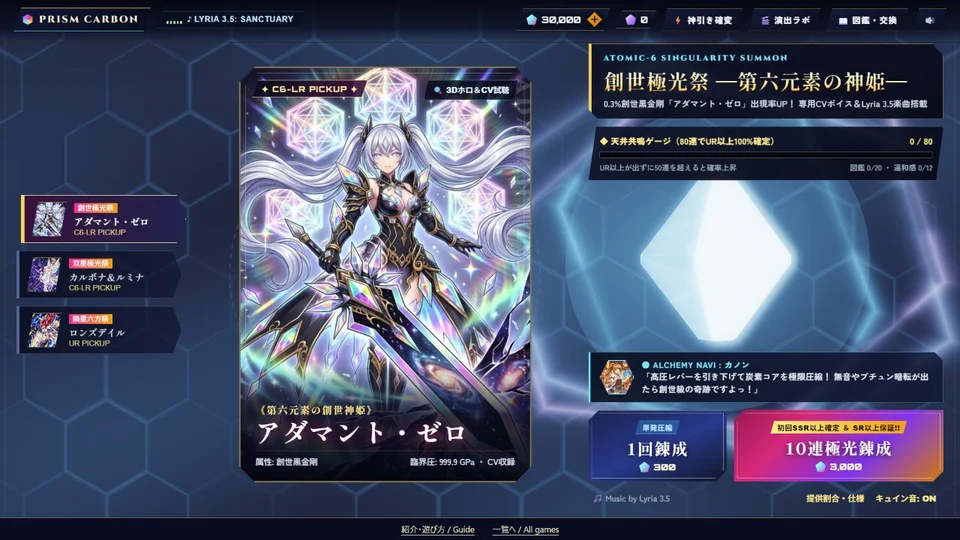
Aurora Crystal PRISM CARBON lobby, with a featured crystal spirit, three pickup banners, gems, pity and single or ten-pull summon buttons
Aurora Crystal PRISM CARBON gameplay screenshot

WHAT MAKES IT FUN

Key Features

From the pressure lever to a single-swipe reveal

Press and hold, drag the lever down, or hold Space to pressurize the forge. Watch three prism gates, blackout reversals and blade-parry upgrades introduce the spirits. Swipe crystals with a finger or mouse, or use Reveal All to open them automatically.
Five rarity tiers, 80-pull pity and OVERDRIVE

The 20 spirits span R, SR, SSR, UR and C6-LR. Your first ten-pull guarantees one SSR or higher; later ten-pulls guarantee one SR or higher. Rates increase after 50 consecutive pulls without UR or higher, with UR or higher guaranteed on pull 80. Pulling UR or higher gives ten OVERDRIVE pulls; another UR or higher resets the remainder to ten.

God Pull Mode and a gem-free Animation Lab

God Pull Mode raises rare drop rates. The Animation Lab plays four preset effect sequences, including blackout reversals and blade-parry upgrades, without spending gems. Lab rewards, pull counts, pity, OVERDRIVE and discovered effects all affect the same saved profile as regular play.

Collection, shard exchange and PNG result reports

View collected spirits as holographic cards and earn crystal shards from duplicates. Exchange shards for spirits you do not own. Results show a game-specific Luck Deviation score based on regular drop rates and observed effects, with a 1200 x 675 PNG report you can save.

HOW TO PLAY

Getting Started

  1. 1. Choose a banner and sound, then summon one or ten

    Choose a pickup from three banners. One pull costs 300 gems; ten cost 3,000. Start with 30,000 gems and use + to refill them free as often as you like. Low balances refill automatically. Select the central spirit to preview its card and voice.

  2. 2. Pressurize the crystal and swipe it open

    Hold or drag the lever to build pressure, then watch the prism gates. Swipe the crystal board to open it and tap to advance character reveals. Space and Reveal All can automate reveals, while the skip buttons take you to results.

  3. 3. Review your results and collection, then save an image

    Review your spirits, Luck Deviation score and effect badges. Select Save Lucky Pull Report to generate an image, then use its PNG download link. Back in the lobby, exchange shards for unowned spirits and view your collected cards.

CONTROLS

Controls

Pressurizing on computers and phones
Press and hold the charging screen with a mouse or finger, or drag the right-hand lever down. You can also hold Space on a computer. One-Tap Critical Ignition enables automatic charging.
Crystal reveals and card viewing
Click, tap or swipe the crystal board to reveal cards. Reveal All or Space opens them automatically. Advance a character card with a tap, click, Space or Esc, and move your finger or mouse to enjoy its tilt.
Banners, collection and Animation Lab
Choose a lobby banner to change the pickup. Collection / Exchange opens your collection and shard exchange; Animation Lab offers preset effects. Close dialogs with X, the backdrop or Esc. On a phone, use portrait orientation and scroll down to the summon buttons.
Sound and result images
Use the music-note button to cycle three tracks, the speaker button to toggle all sound, and the Kyuin option for the alert sound. Audio starts after your first interaction. Use the PNG download link to save a result image to your device.

FAQ

Frequently Asked Questions

Can I buy gems or cash out crystal spirits?

No. Gems and shards exist only inside this game. Get gems free with + or automatic low-balance refills. There are no payments, cash-outs or prize exchanges.

What are the regular rates, pity and God Pull Mode?

Base rarity rates are R 74%, SR 19.5%, SSR 5%, UR 1.2% and C6-LR 0.3%. During OVERDRIVE they are 42%, 34%, 16%, 6% and 2%, respectively. Rates after 50 consecutive misses, the 80th-pull UR-or-higher guarantee, ten-pull guarantees, God Pull Mode and Animation Lab change the draw conditions. Charging and swiping skill do not change the result.

What is saved, and does the Animation Lab use separate records?

The same browser stores gems, shards, pity count, remaining OVERDRIVE pulls, first-ten-pull usage, total pulls, owned spirits and duplicate counts, discovered effects, God Pull Mode and sound settings. Lab pulls add to the same records. Animation progress and result images are not automatically saved; save images manually. Clearing browser storage removes your records.

Can I play on a phone or in English?

Mouse and touch controls work on computers and phones; portrait orientation is recommended on phones. The game is in Japanese, while this guide and controls are available through the English switch. Browsers with WebGL2 show the 3D crystal effects; otherwise the game uses simplified rendering.

UPDATE HISTORY

Release & Update History

  1. Added to ASTRA ARCADE

    • The game and its how-to-play guide were added to ASTRA ARCADE.
  2. X demo published

    • A demo of the game was published on X.

MORE FREE GAMES

Play Next in Your Browser

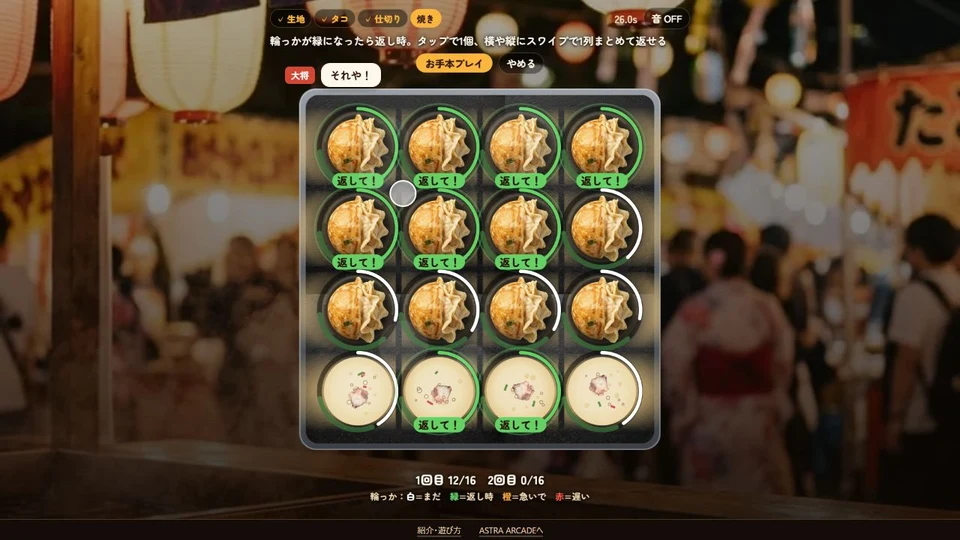
Manmaru Takoyaki

Manmaru Takoyaki

Flip them into perfectly round takoyaki.

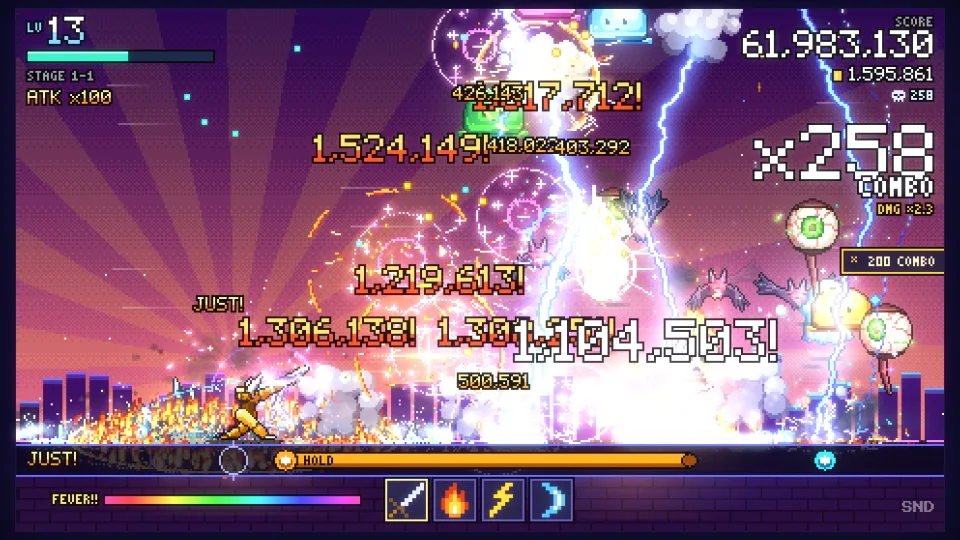
Dopamine Overdrive

Dopamine Overdrive

One button. Inflate the digits of your damage.