FREE BROWSER GAME GUIDE

Music / ear copy

Otodama Loop

Place sounds, spin the disc and listen closely.

No installation or sign-up required. Opens in a new tab.

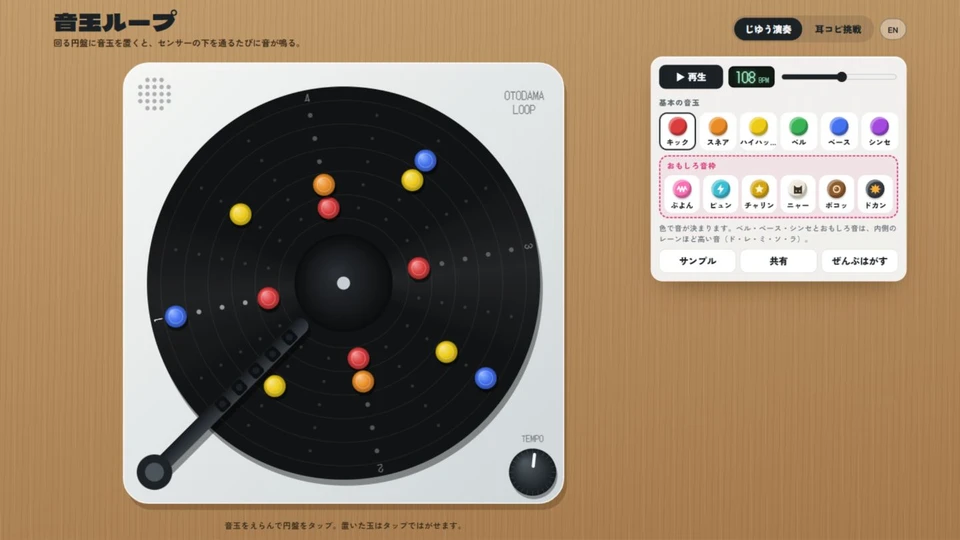
Place sound balls on a spinning disc and each one plays whenever it passes the sensor. Layer kicks, bells and bass with meows and coin sounds to make your own loop. In Ear Copy, listen to the original rhythm and pitches, then try to rebuild the same loop.

Otodama Loop in Free Play, with sound balls on a spinning disc and a tray of 18 sounds
Otodama Loop gameplay screenshot

WHAT MAKES IT FUN

Key Features

Make your own loops with 18 sound balls

Choose six basic sounds: Kick, Snare, Hi-hat, Bell, Bass and Synth; six sounds for game music: Chip (8-bit), Piano, Strings, Brass, Tom and Crash; and six fun sounds: Boing, Zap, Coin, Meow, Pop and Boom. Place them across five lanes and 16 positions to combine sounds that repeat with each turn.
Position controls rhythm and pitch

A ball's position around the disc determines when it plays. Pitched sounds such as Bell, Bass and Synth rise through C, D, E, G and A from the outer lane inward. Adjust the tempo from 40 to 170 BPM.

Try all 10 Ear Copy stages

Start with a four-on-the-floor kick, then move on to drums, bass, meows and arcade-style effects. Switch between Original and Yours to compare, place your balls and check your answer. Score at least 50 to unlock the next stage, or get 100 without hints to earn three stars.

Start with a sample, then save and share your loop

Load 11 samples: five Beats, three Game BGM tracks and three Classical Melodies. The Game BGM tracks, Chiptune Quest, Hero Fanfare and Starting Village, are original compositions for this game. Name and save up to 30 loops in the same browser, or share a code so someone else can recreate the arrangement and tempo in their browser.

HOW TO PLAY

Getting Started

  1. 1. Listen to the sounds in Free Play

    First Beat is already on the disc when you start. Press Play and notice how each sound lines up with its ball passing the sensor.

  2. 2. Choose a sound ball and place it on the disc

    Choose a ball in the tray and tap the disc, or drag the ball into place. Tap a placed ball to remove it. Pitched sounds get higher as you move them inward.

  3. 3. Try different samples and tempos

    Load an arrangement from Samples, then add or remove sounds. Change the tempo with the BPM slider or the knob at the lower right of the disc and find a loop you like.

  4. 4. Rebuild the original in Ear Copy

    Listen to Original as often as you like and place the required sound balls. Switch to Yours to compare, then select Check for a score. Review and fix correct balls, missing balls, wrong pitches and misplaced balls.

CONTROLS

Controls

Place, move and remove sound balls
Choose a sound ball, then click or tap the disc. Drag balls from the tray or move balls already on the disc. Tap a placed ball or drag it outside the disc to remove it.
Play and stop
Use Play in Free Play, or the Original and Yours buttons in Ear Copy, to start and stop playback. You can also press Space when an input field or button is not focused.
Tempo, metronome and hints
Adjust the BPM slider or drag the lower-right knob up and down to change the tempo. In Ear Copy, toggle the metronome and hints. A stage played with hints can earn up to two stars.
Saving, sharing and language
Select Save & Share to name and save a loop, rename or load saved loops, and copy or load share codes. Press Delete twice within four seconds to confirm deletion. Use EN / JA at the top right to switch languages, and Esc to close the sheet.

FAQ

Frequently Asked Questions

What if I cannot hear any sound?

Click or tap Play or a sound ball, then check your device and browser volume. Your browser must allow audio playback. The sounds are generated in your browser, so no audio files need to be downloaded for playback.

How do stars and stage unlocks work in Ear Copy?

Match the original sounds and timing, and match the pitch of pitched balls too. Earn one star at 50 points, two at 80 and three at 100. One star unlocks the next stage. Using hints limits that stage to two stars.

Are my loops and progress saved?

Use Save & Share to name and save up to 30 loops in the same browser. Rename a saved loop or load it to play from the beginning. Your existing automatically saved Free Play arrangement and tempo, Ear Copy arrangements and stars, and language are preserved. Saved data does not sync across devices or browsers and is lost if browser storage is cleared, so keep share codes for important loops. Share codes also work when storage is unavailable.

Can I send a loop to a friend?

In Free Play, select Save & Share and copy the code to send it. The recipient can paste it into the input field on the same screen and press Load to restore the sound-ball arrangement and tempo. Older share codes still work. The game does not post or send anything automatically.

UPDATE HISTORY

Release & Update History

  1. Save up to 30 of your songs

    • You can now name and save up to 30 songs in the same browser, then load and organize them.
  2. Expanded sounds and sample songs

    • Expanded the game to 18 sounds and 11 sample songs, and adjusted the layout to fit mobile screens.
  3. Added to ASTRA ARCADE

    • The game and its how-to-play guide were added to ASTRA ARCADE.
  4. X demo published

    • A demo of the game was published on X.

MORE FREE GAMES

Play Next in Your Browser

Manmaru Takoyaki

Manmaru Takoyaki

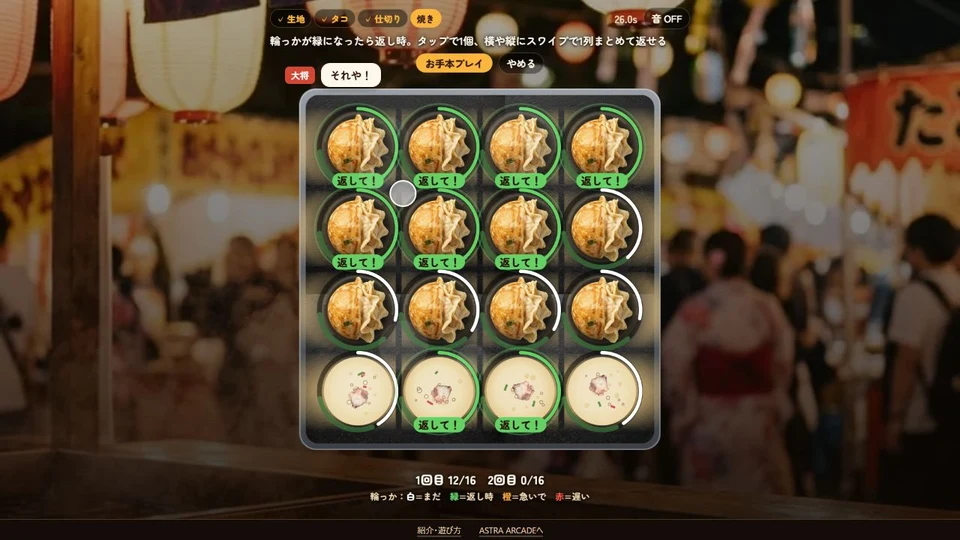
Flip them into perfectly round takoyaki.

Dopamine Overdrive

Dopamine Overdrive

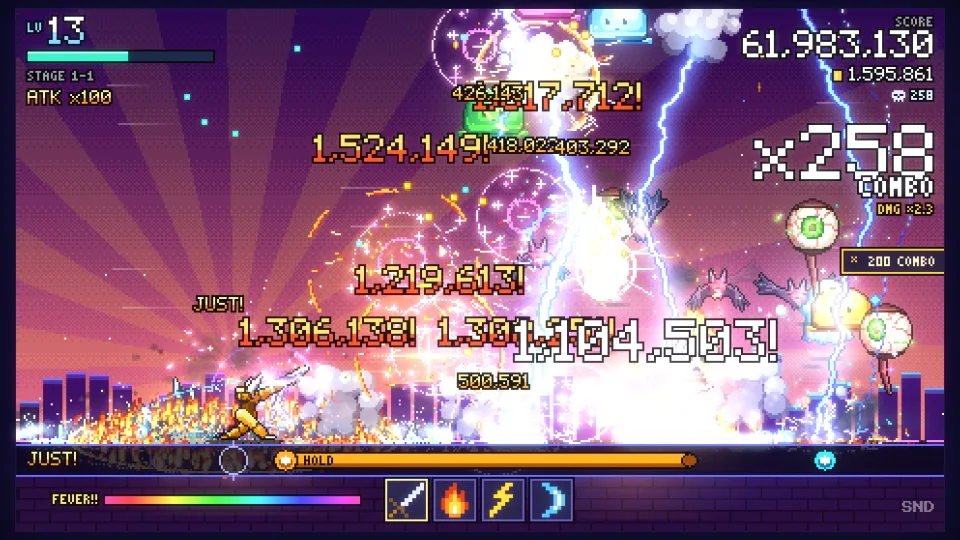
One button. Inflate the digits of your damage.